

Listing this weekend?
Shoot it today, between the seller meeting and the sign going up. There’s no calendar to wait on.
 Angle captured
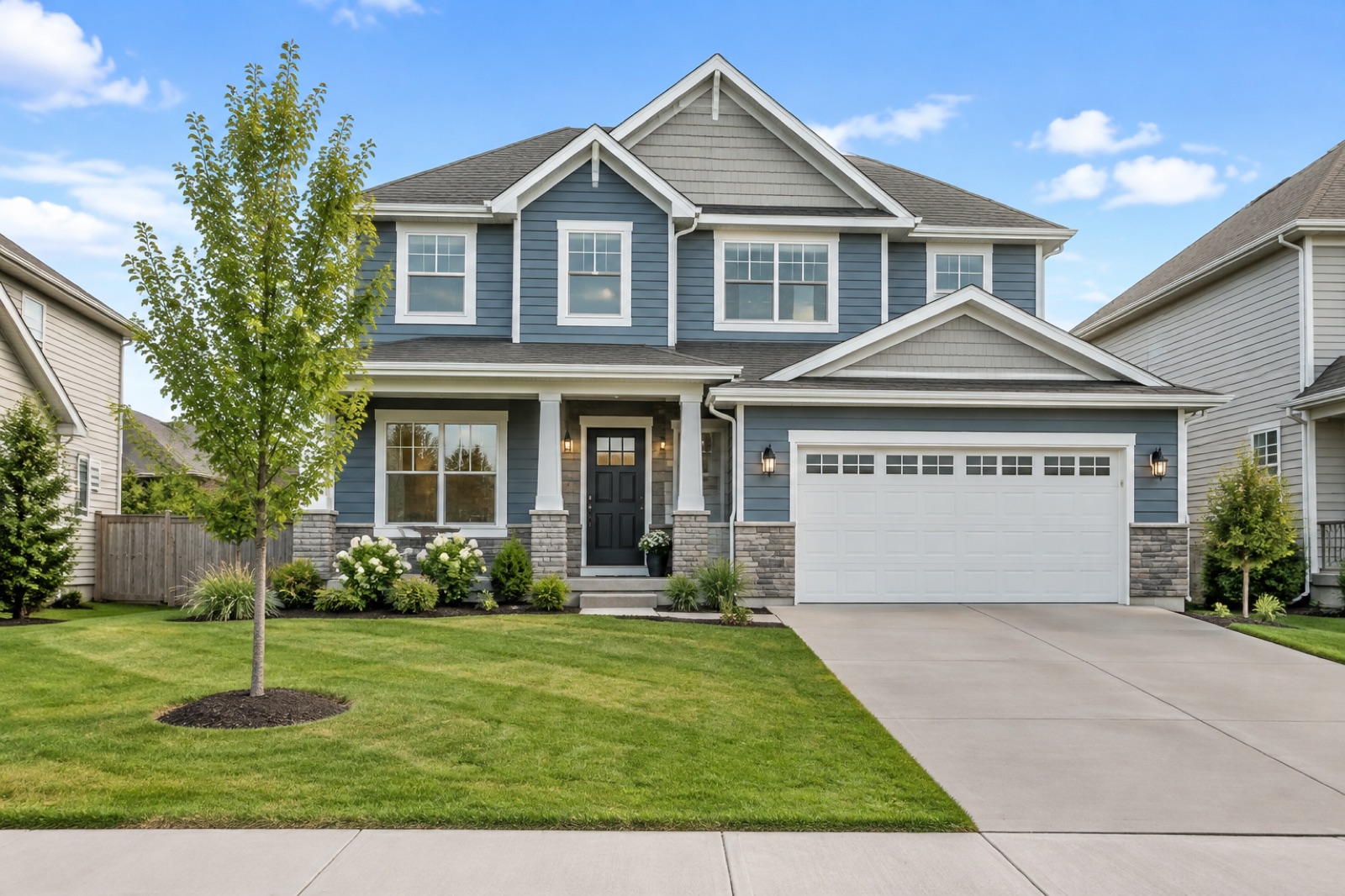
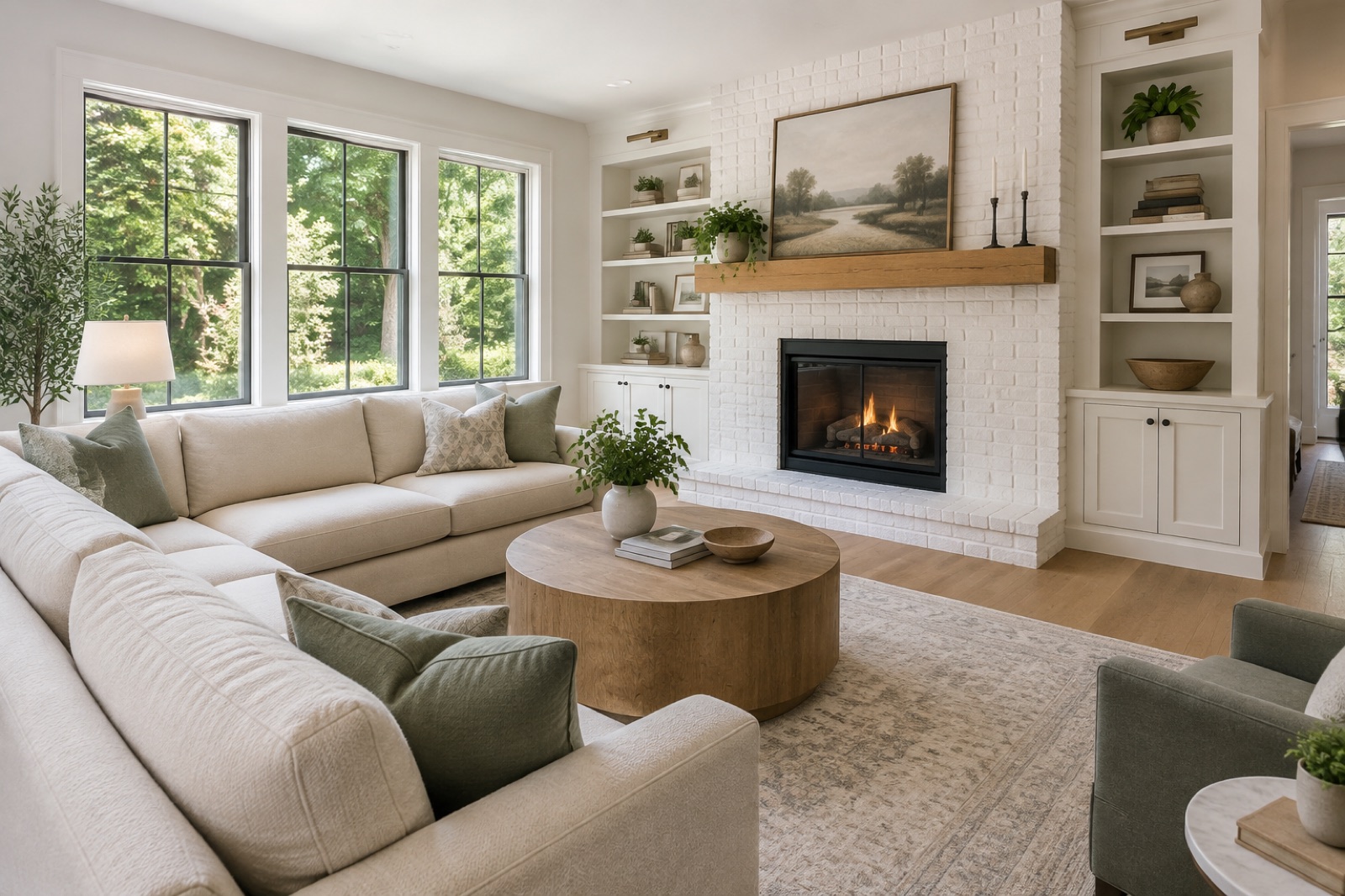
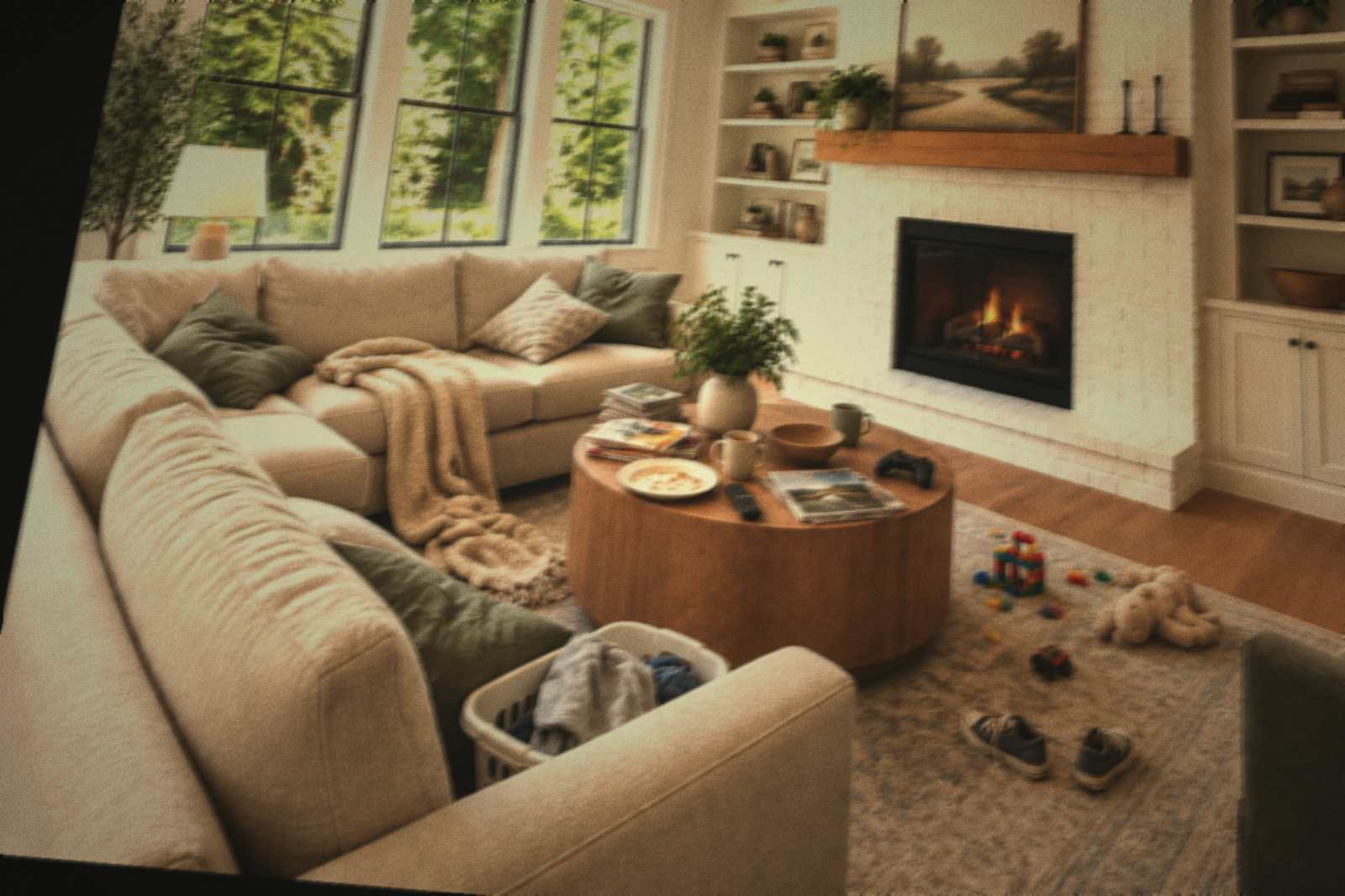
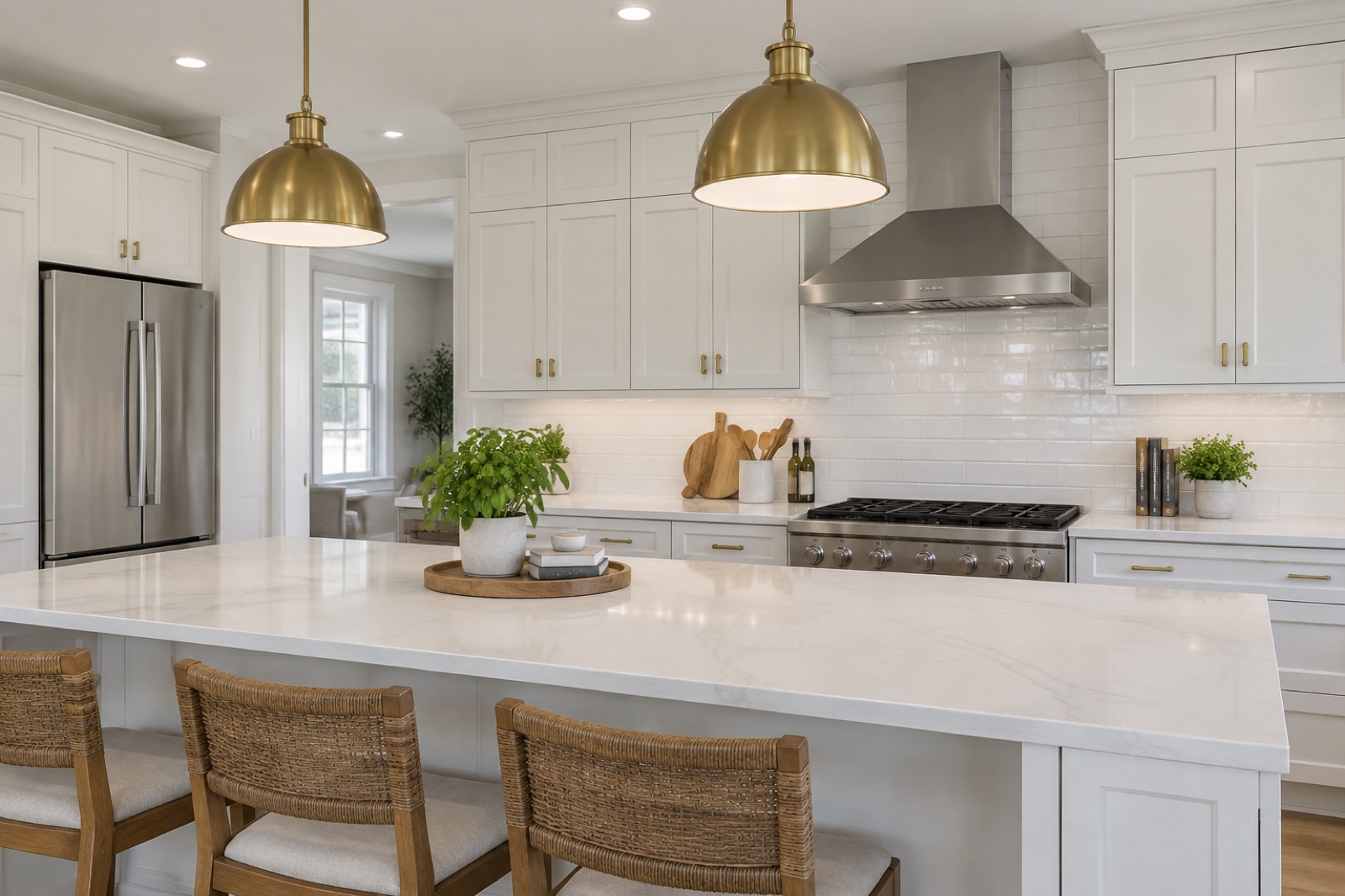
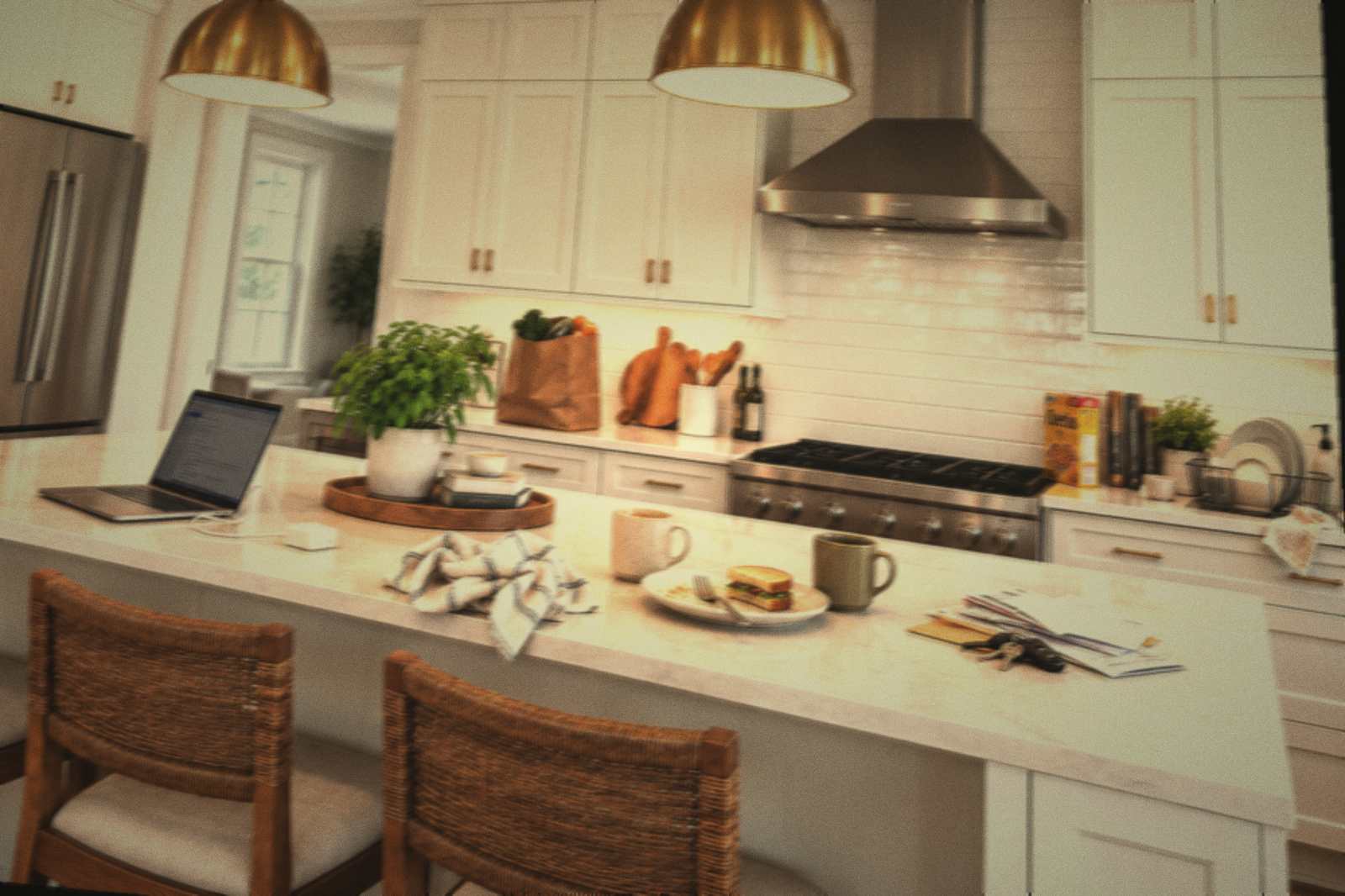
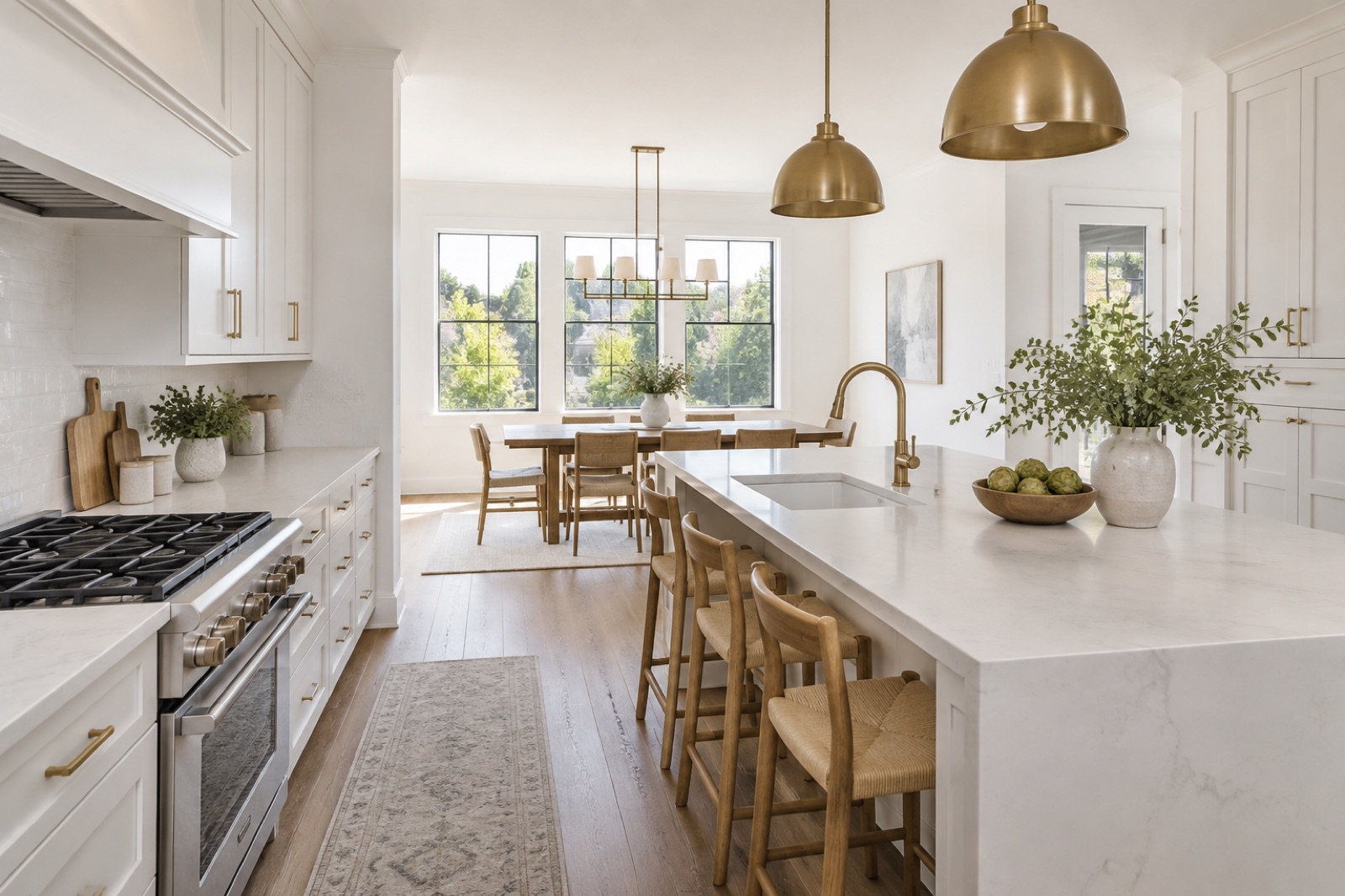
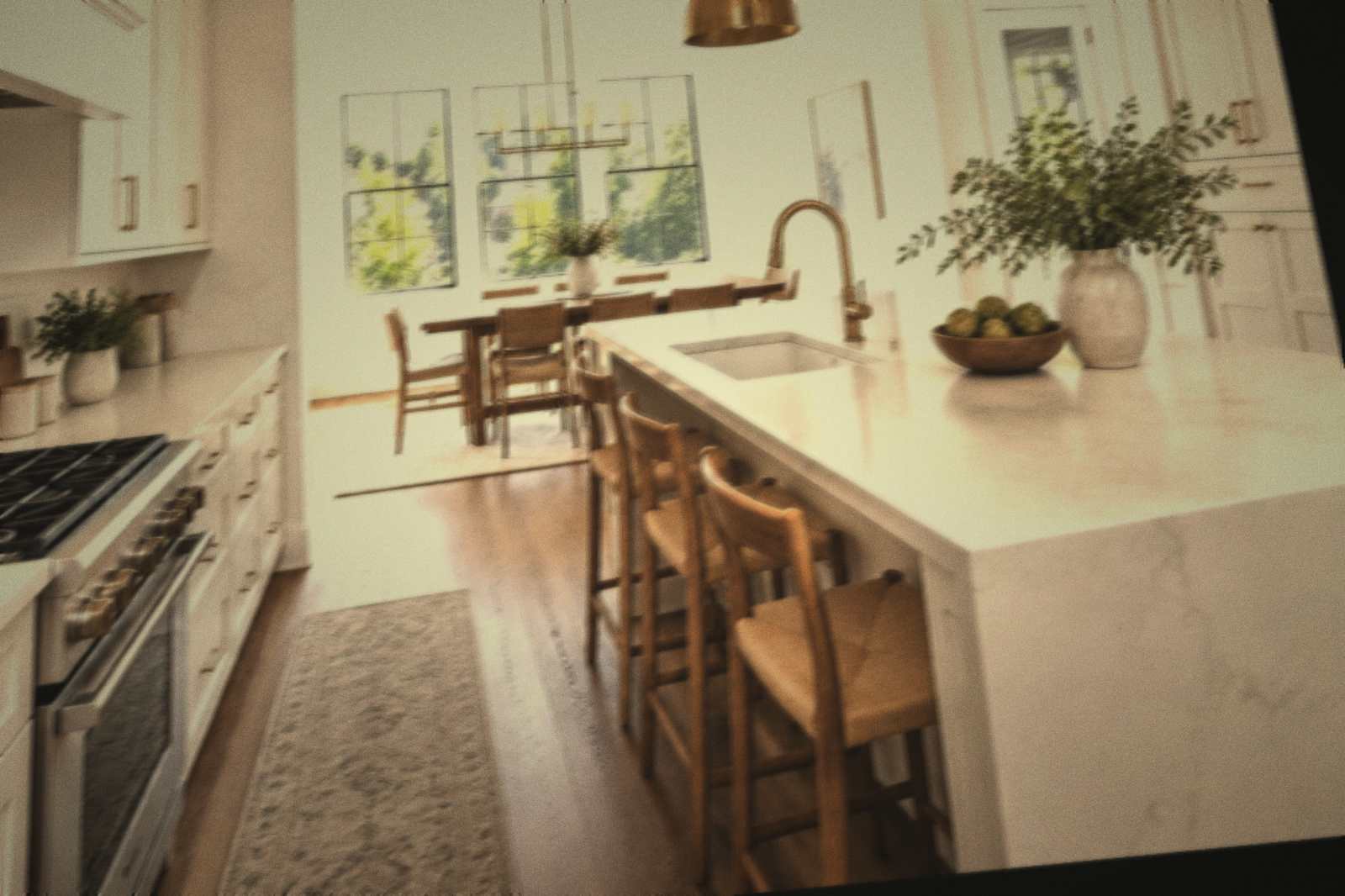
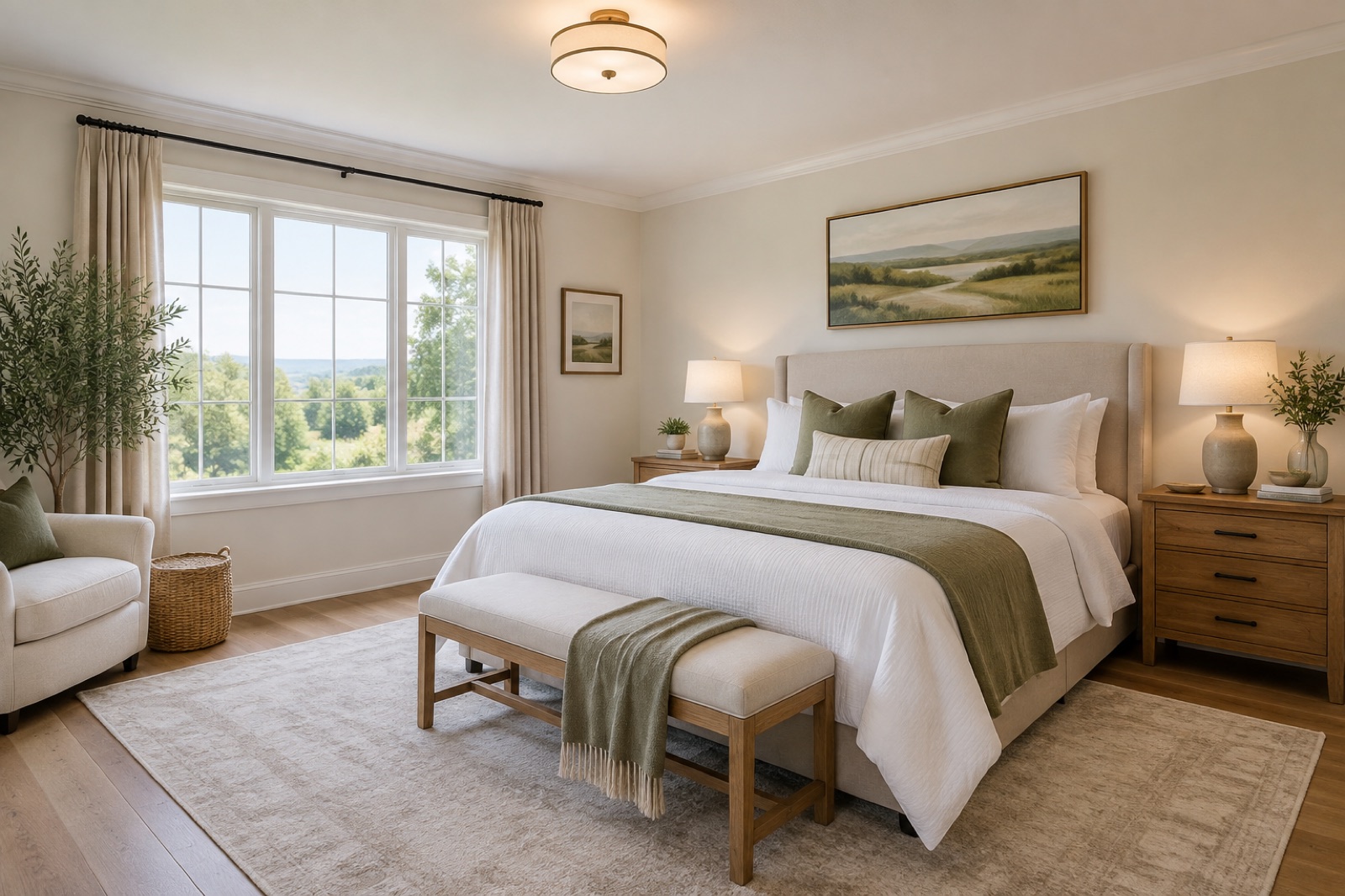
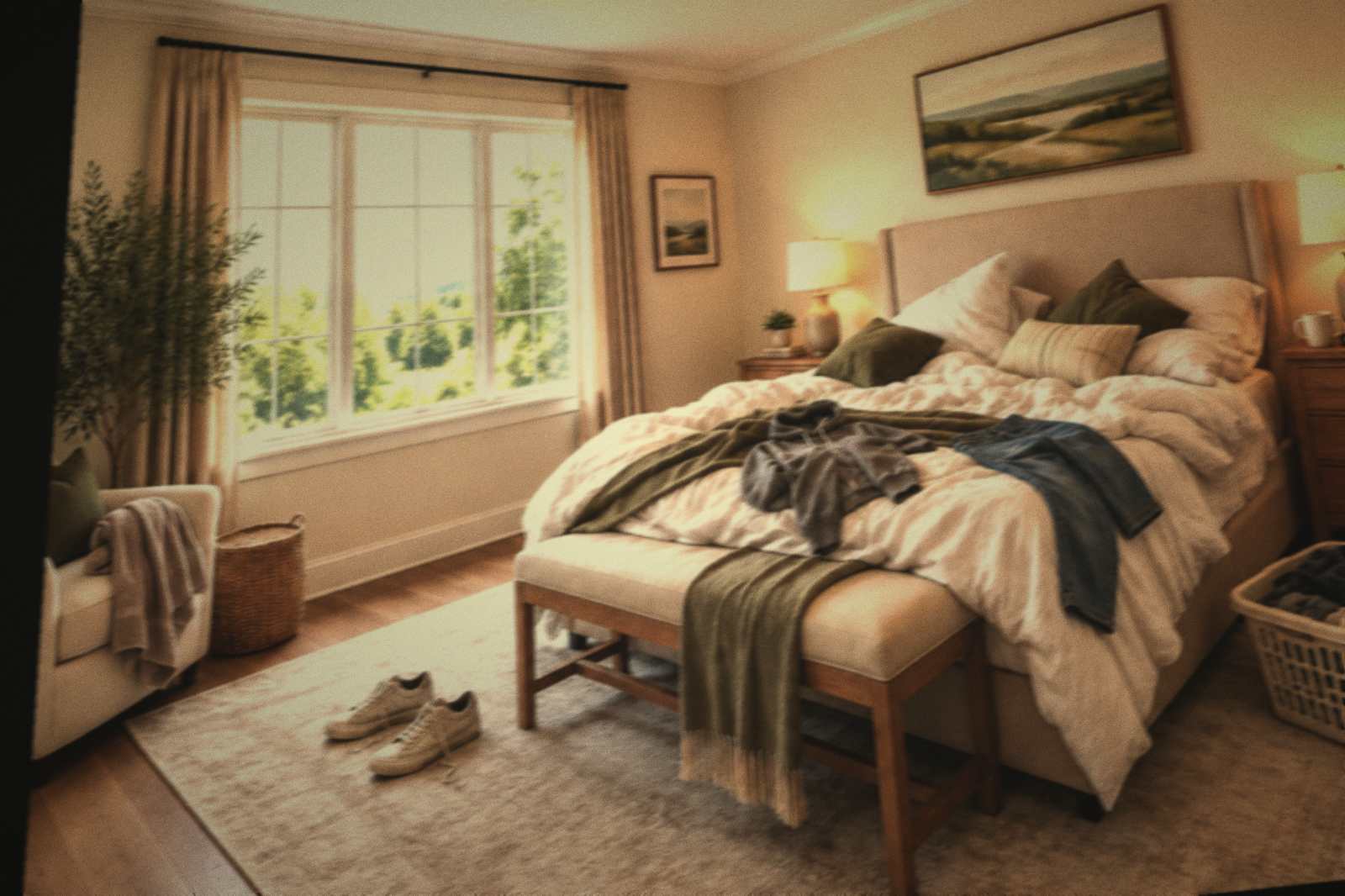
Walk the home with your iPhone. ListingLens chooses the angles, straightens every wall and returns a finished, accurate gallery sorted by room.
Great listing photos shouldn’t hinge on a photographer’s calendar, a sunny Tuesday or a four-hundred-dollar invoice. ListingLens puts a professional eye in every agent’s pocket.
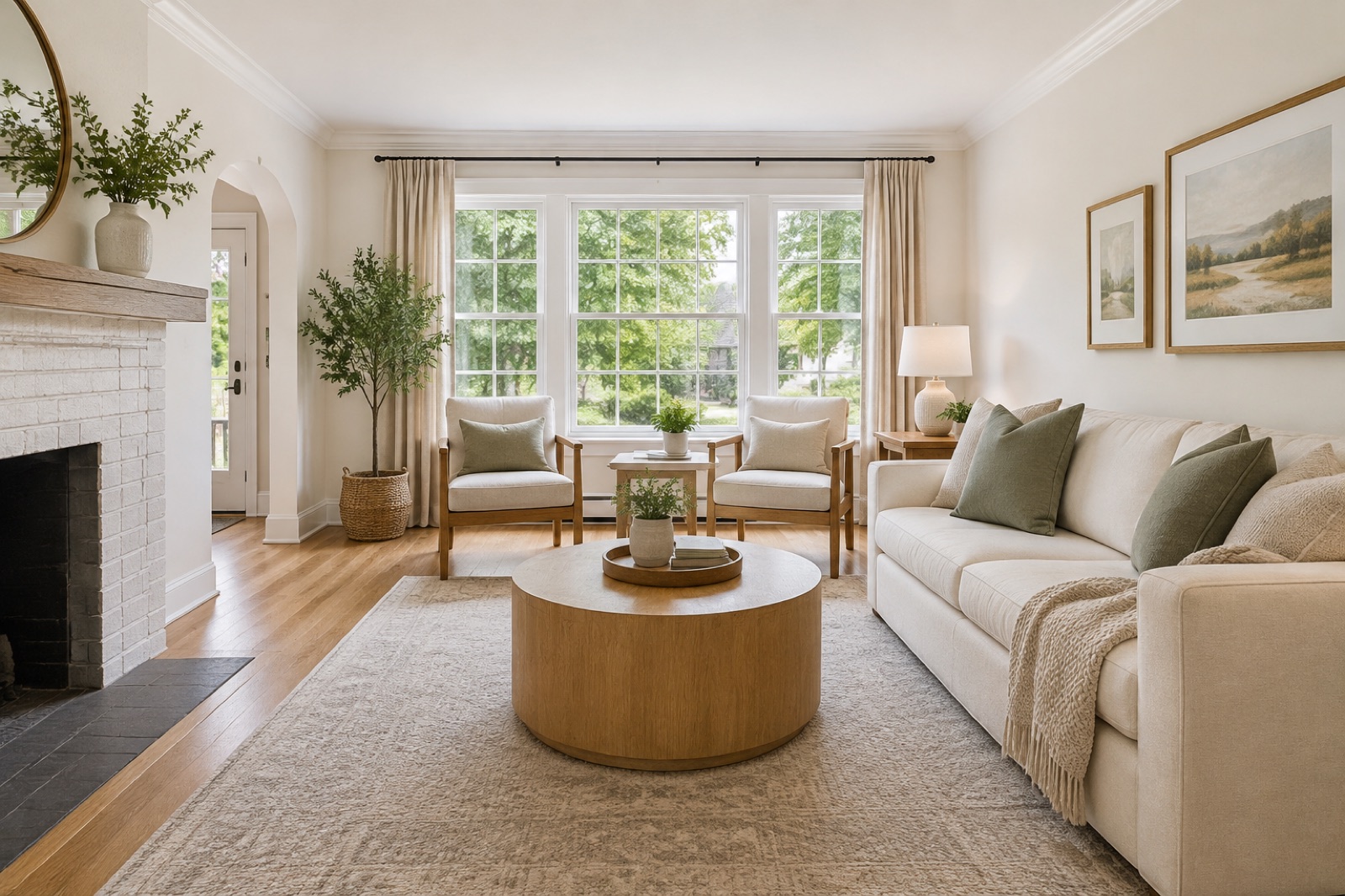 Living room · Maple Crescent
Matches your walkthrough
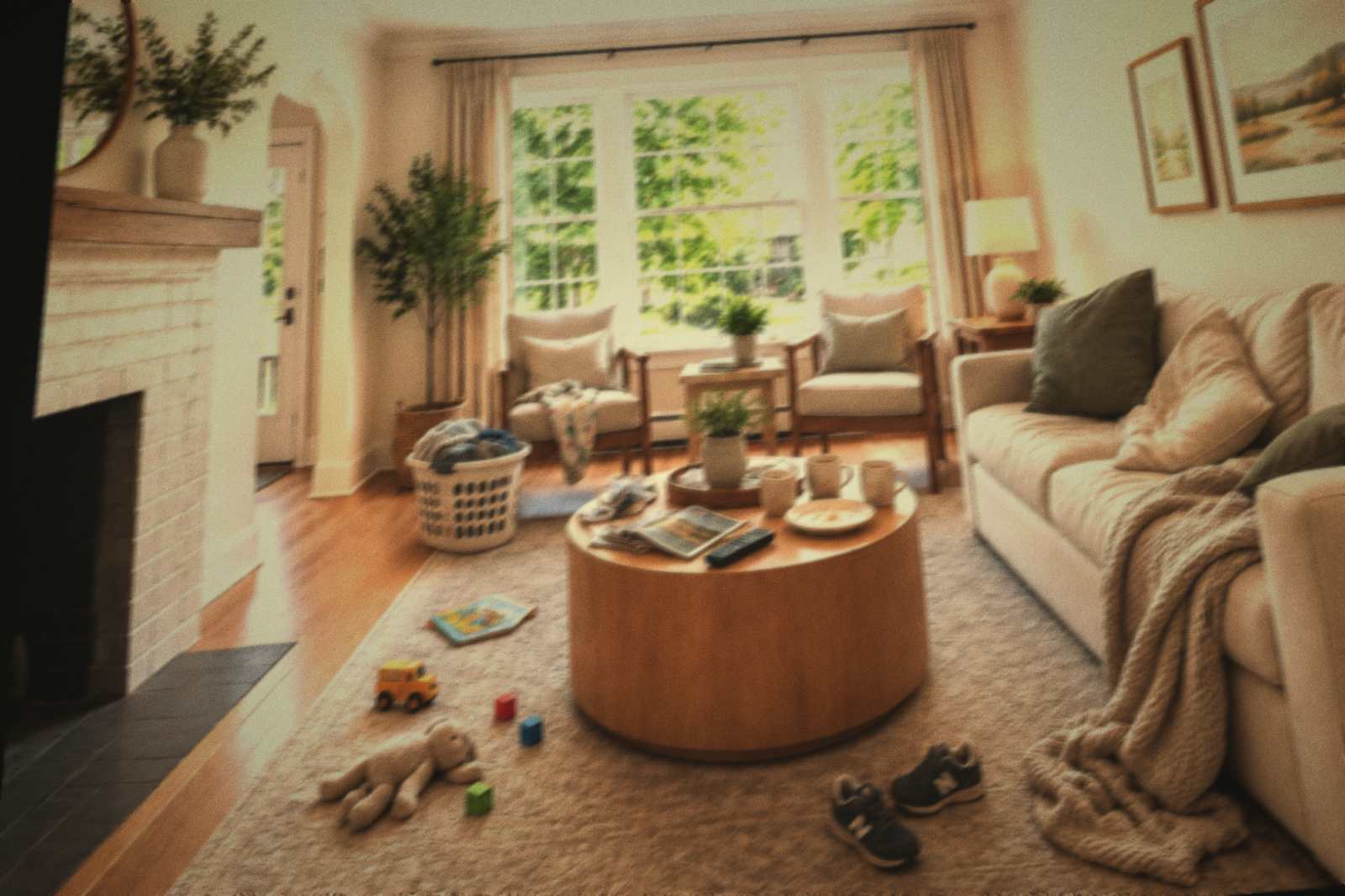
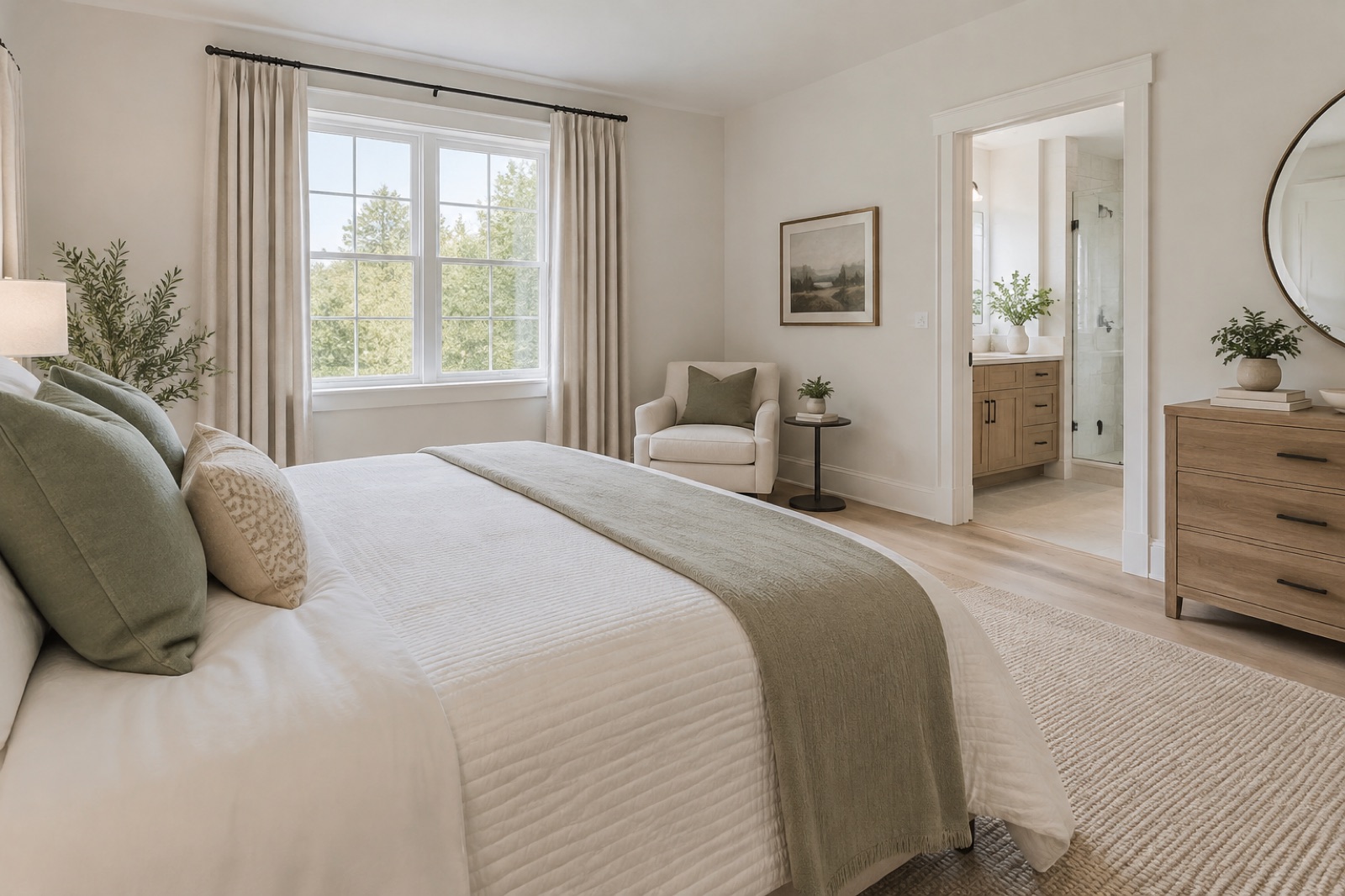
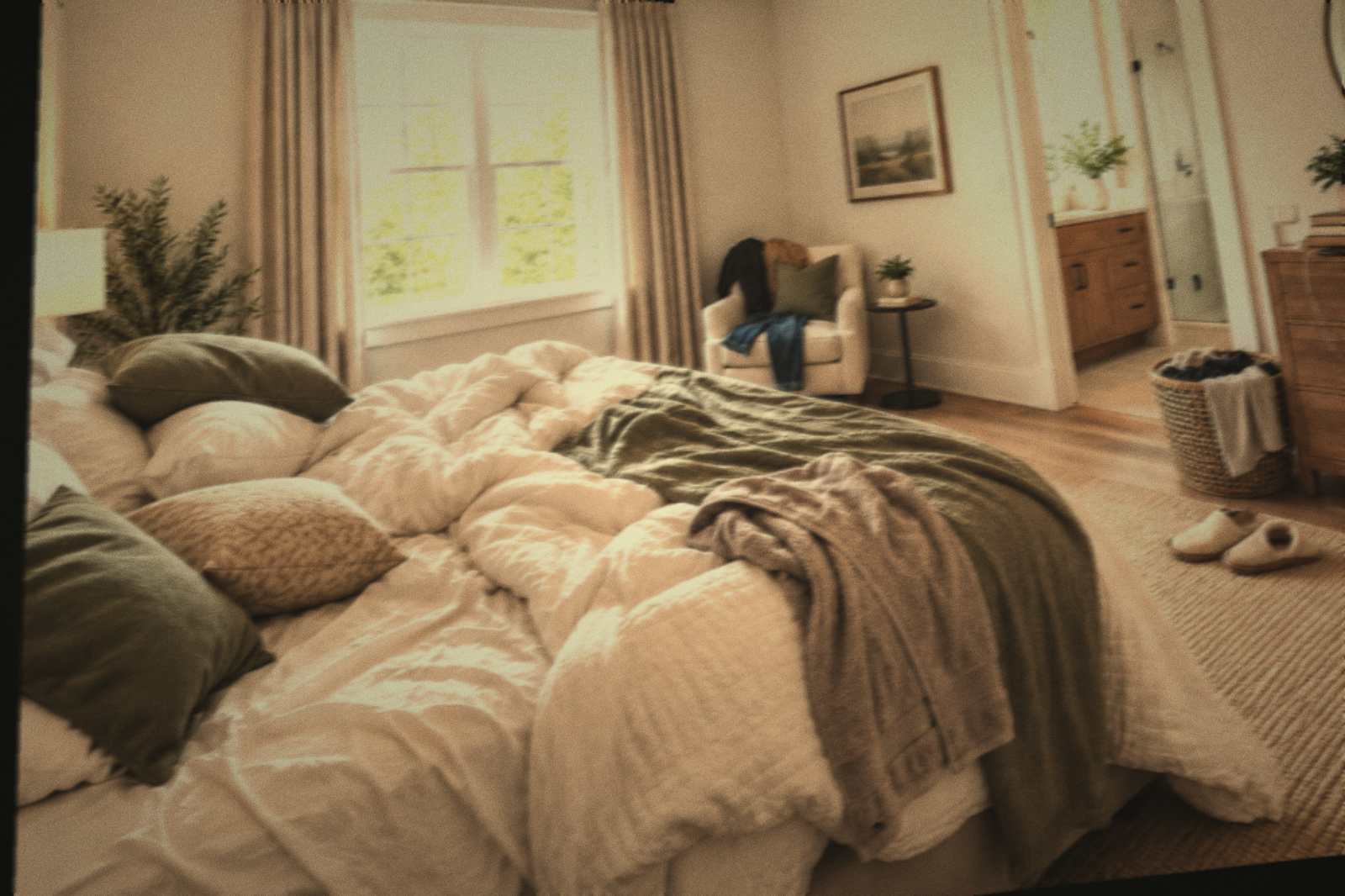 Angle captured
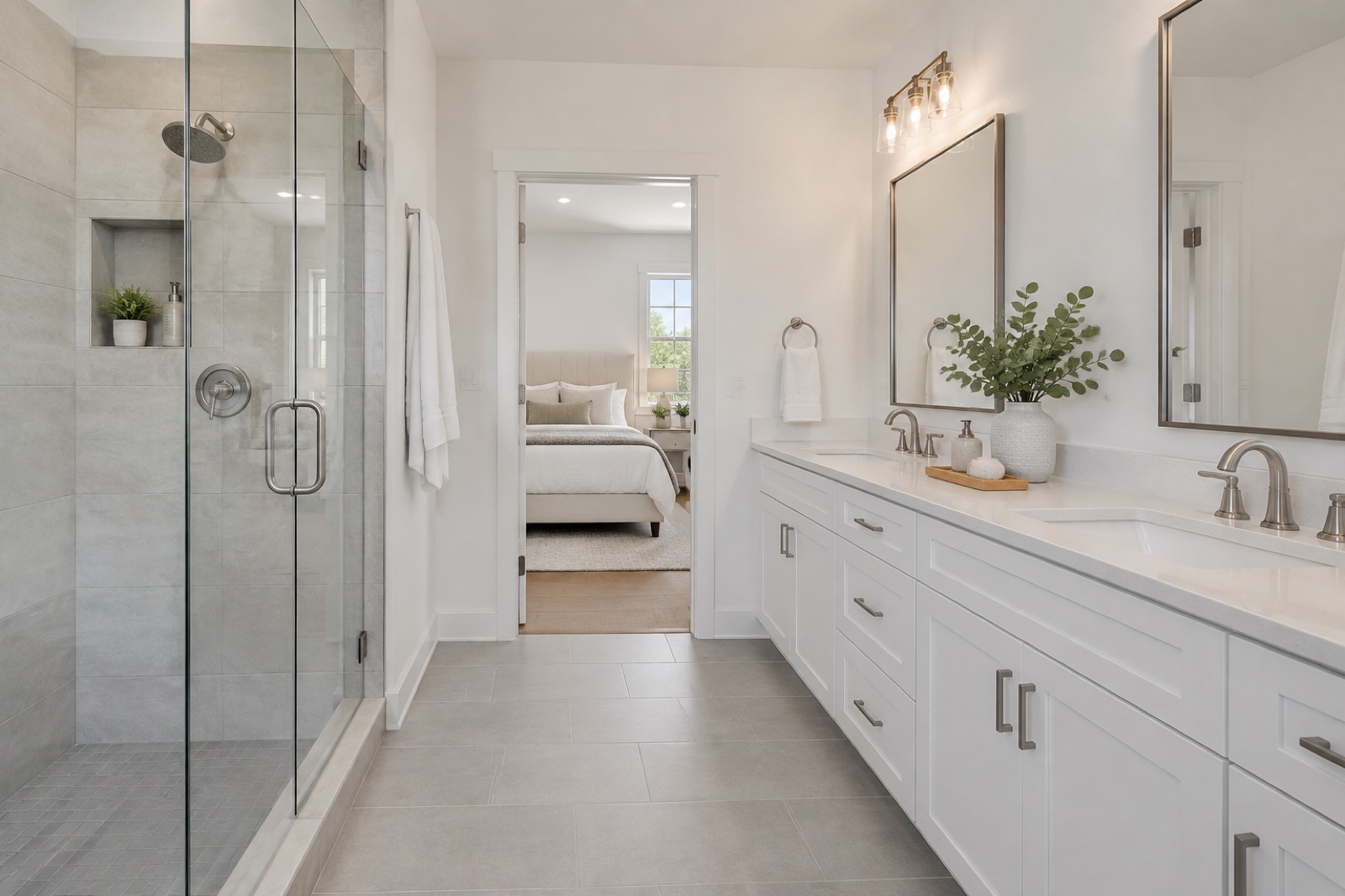
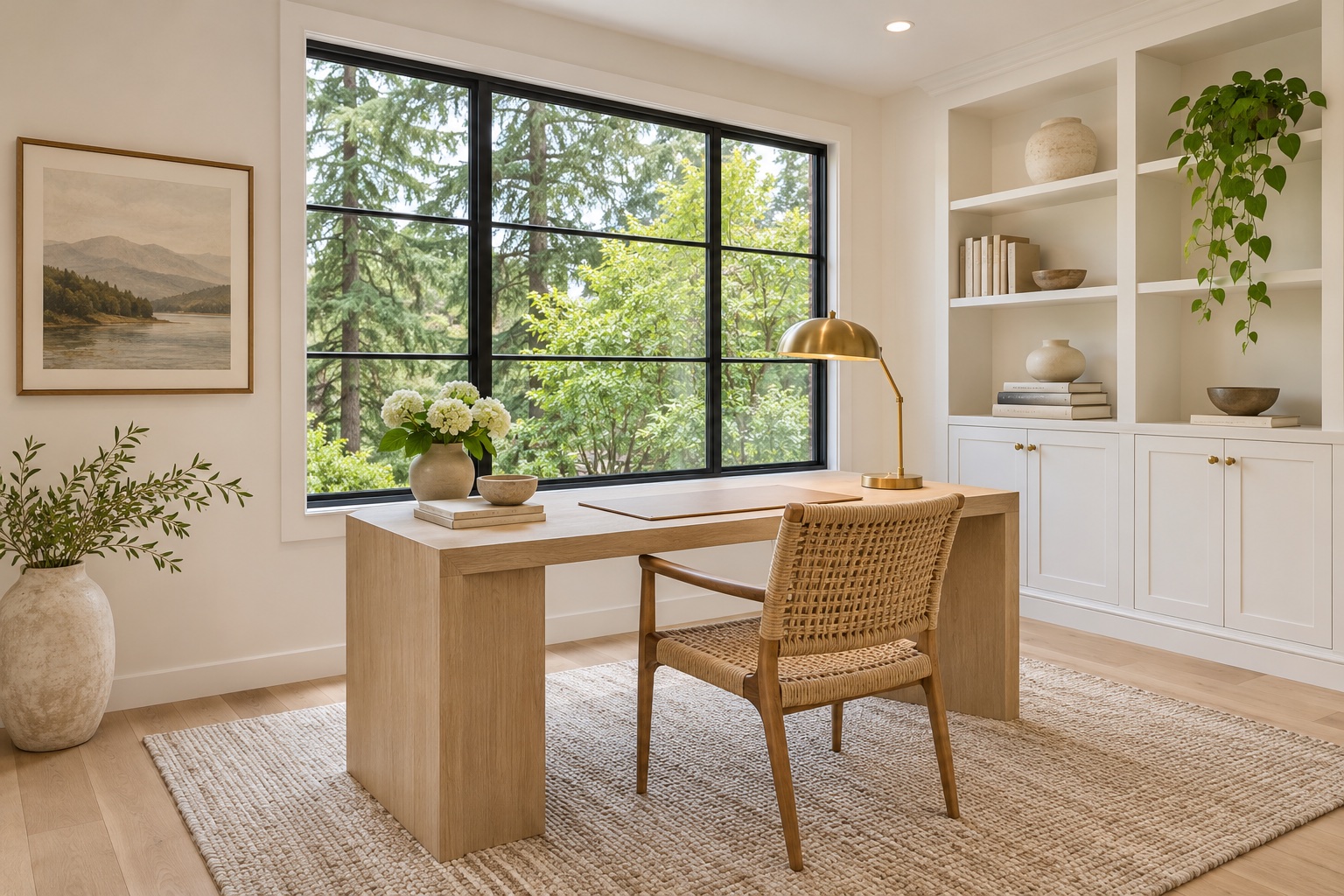
Leave the app the moment you finish walking. ListingLens maps the rooms, makes each photo and checks it against what you captured, then tells you when the gallery is ready.
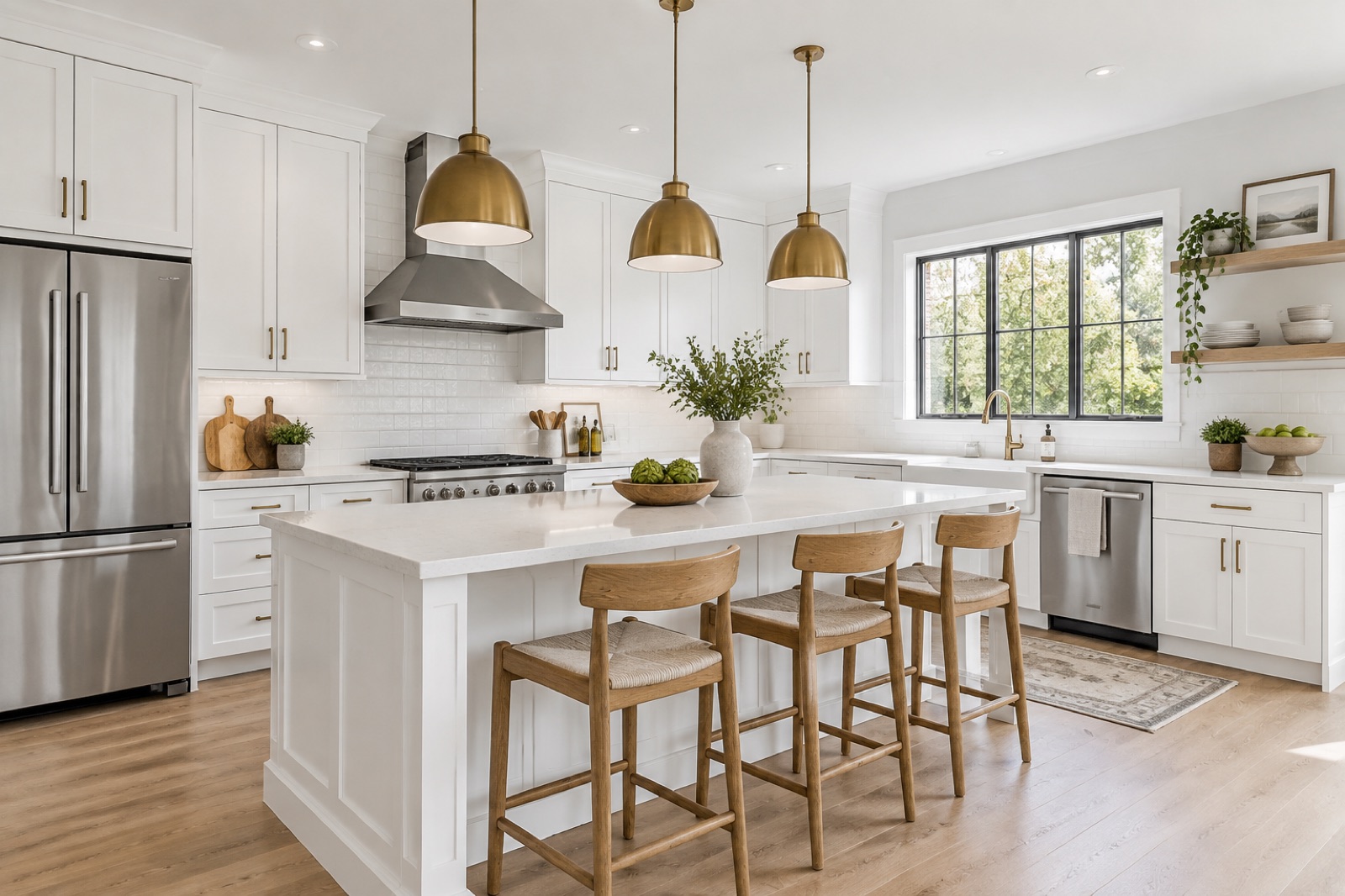
Every photo lands in the right room on its own. No renaming files or guessing which bedroom is which. Drag to set the listing order, share a single shot or download the whole property package.
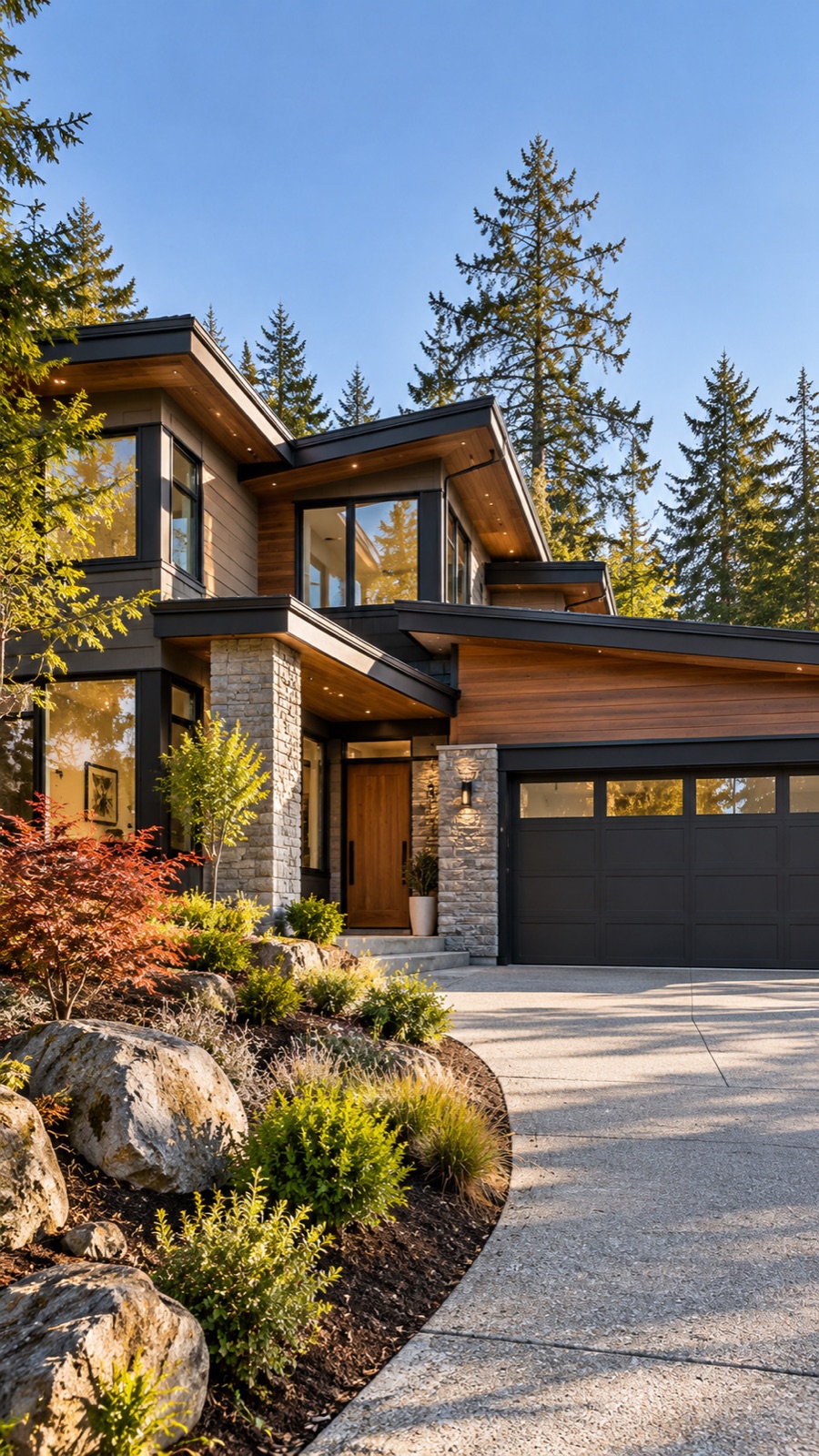
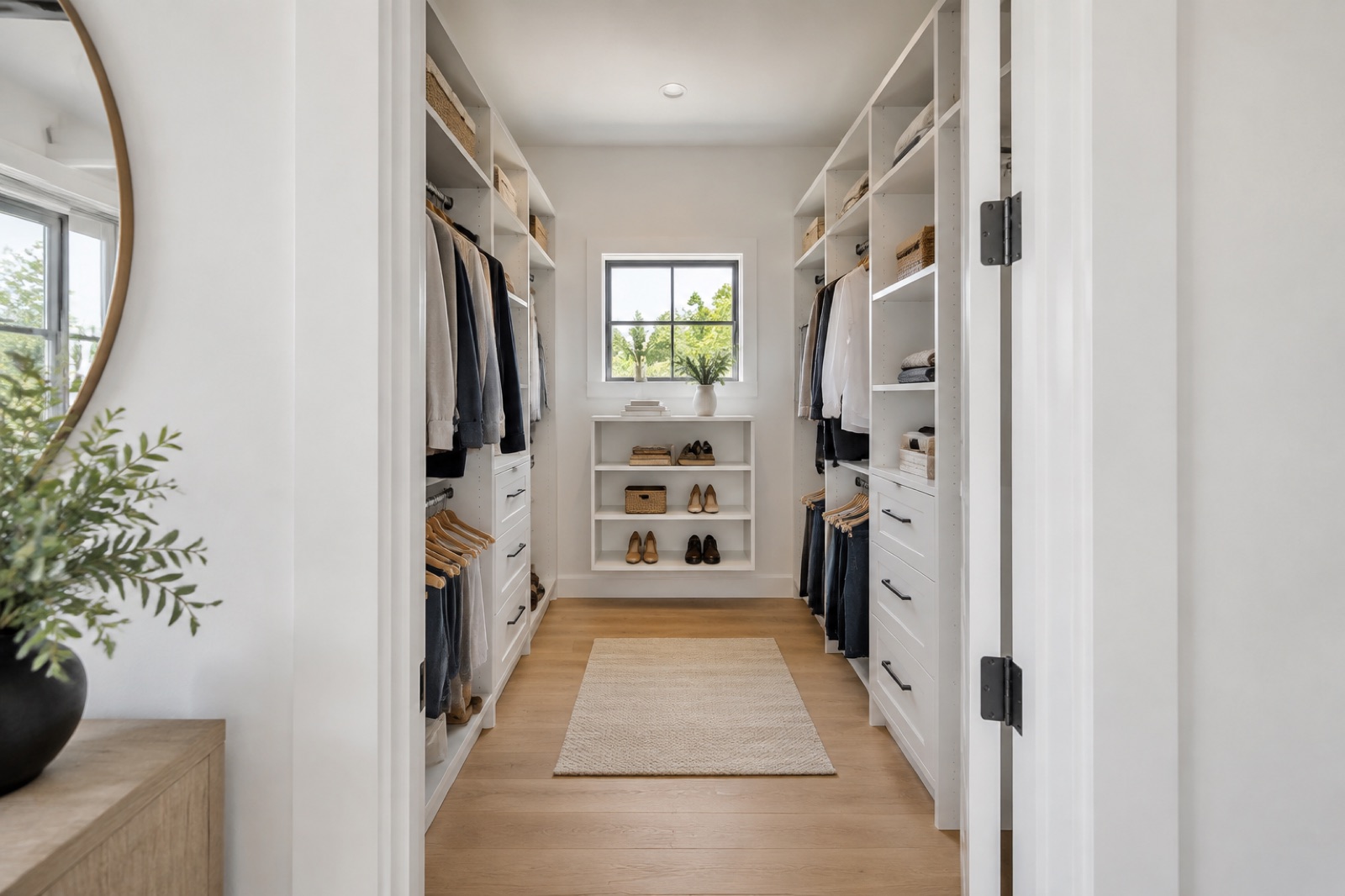
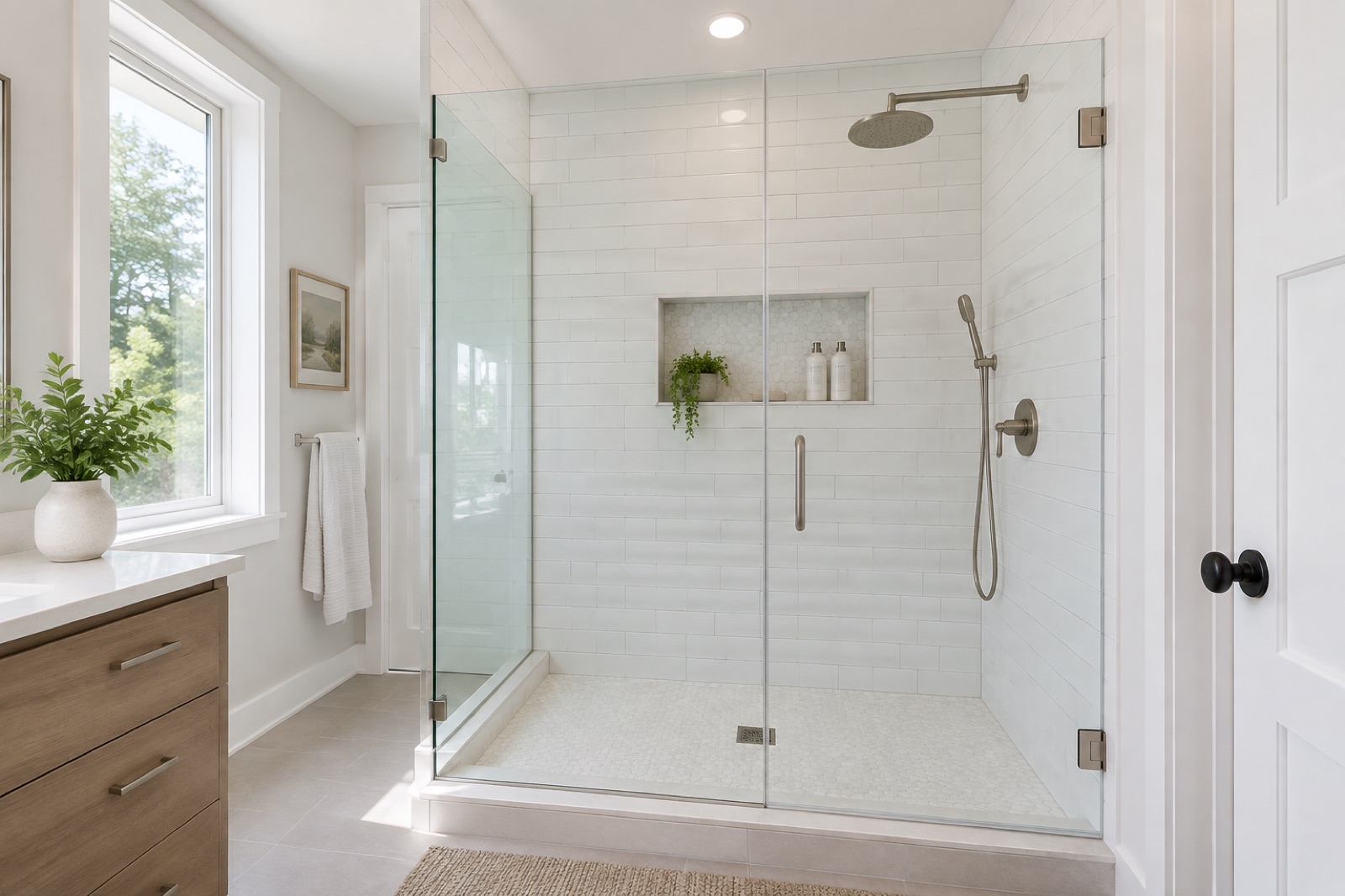
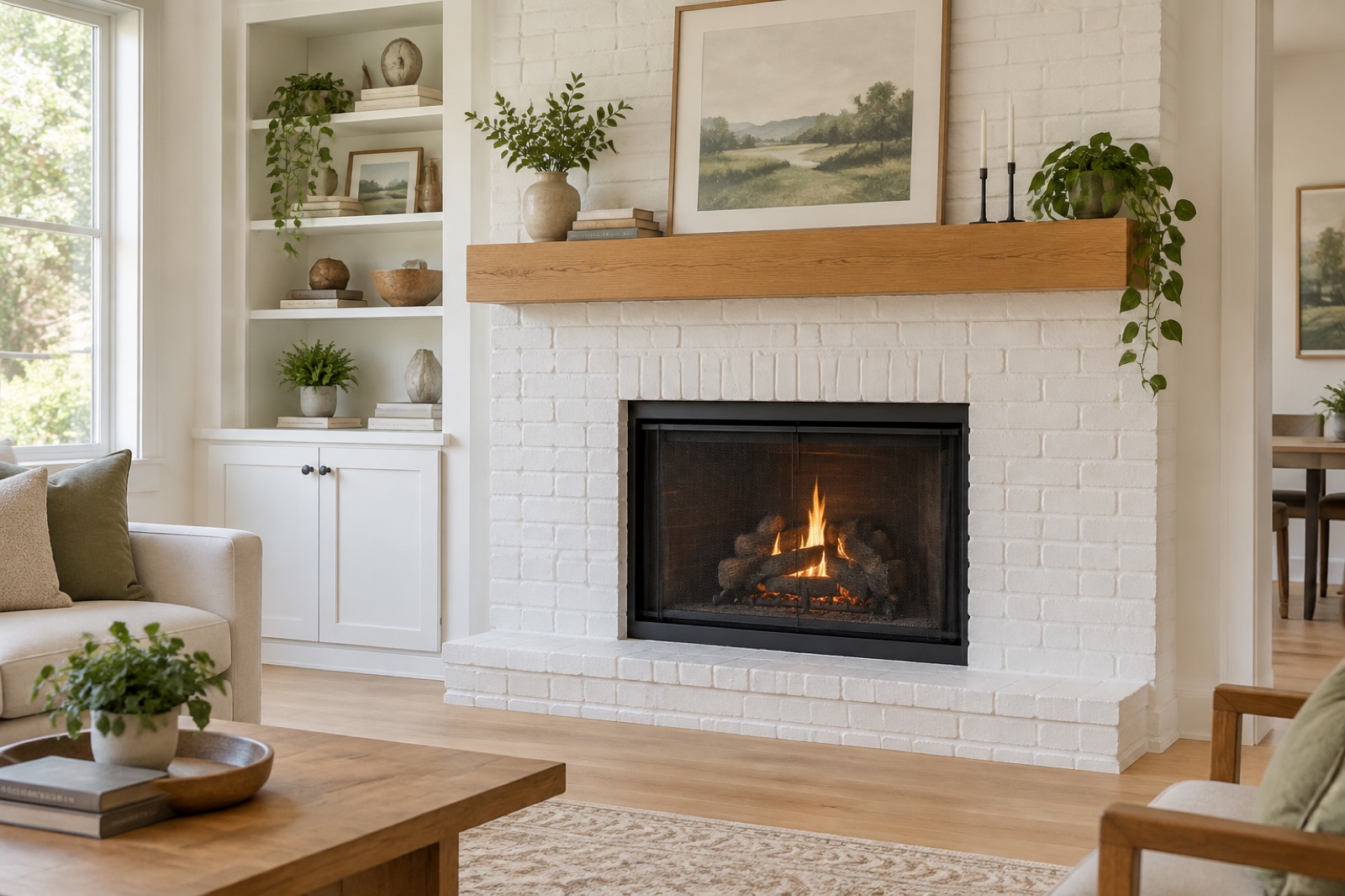
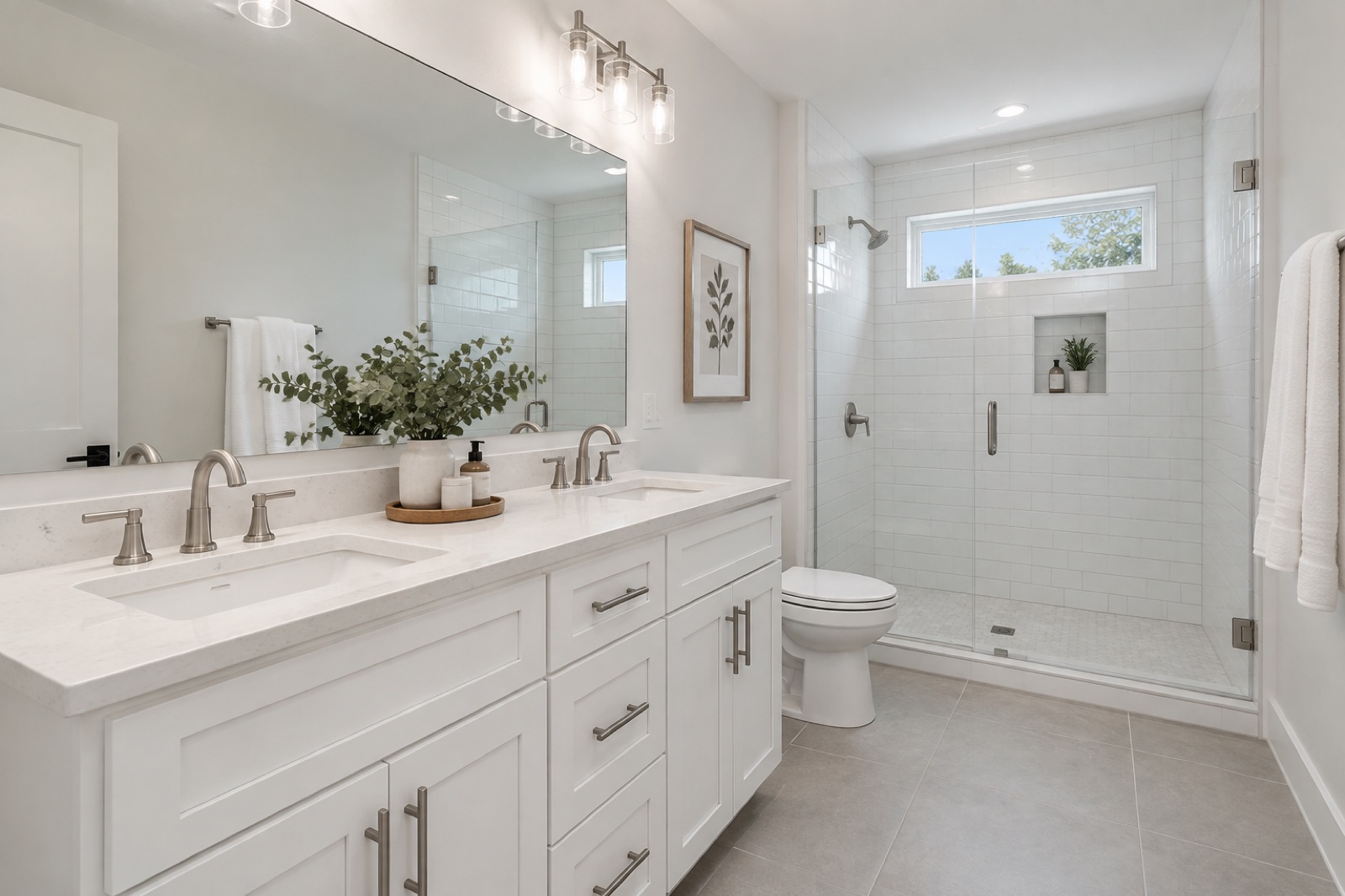
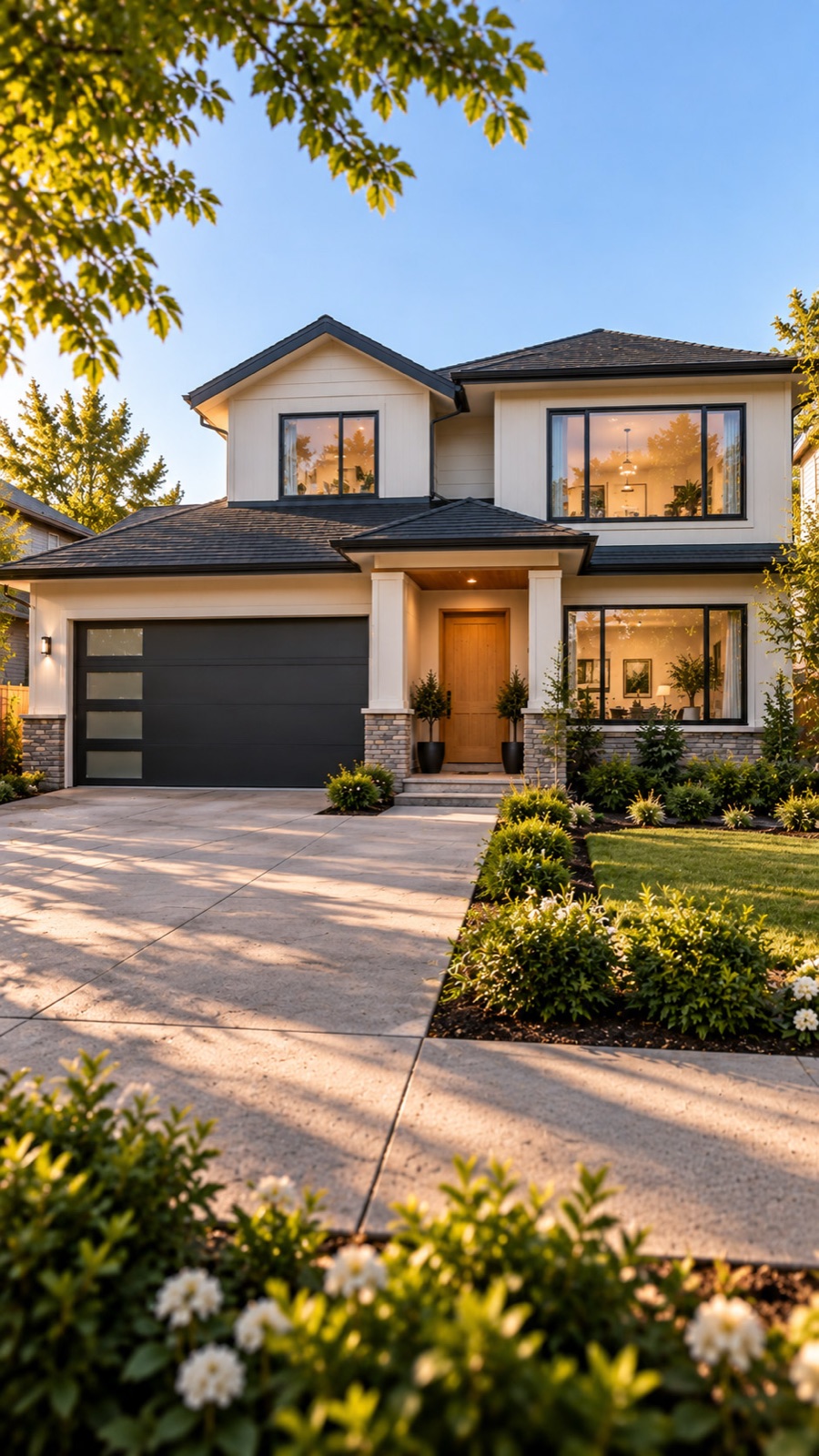
Shoot it today, between the seller meeting and the sign going up. There’s no calendar to wait on.
Acreages, cottages and small towns get the same finish as a downtown condo, without the travel fee.
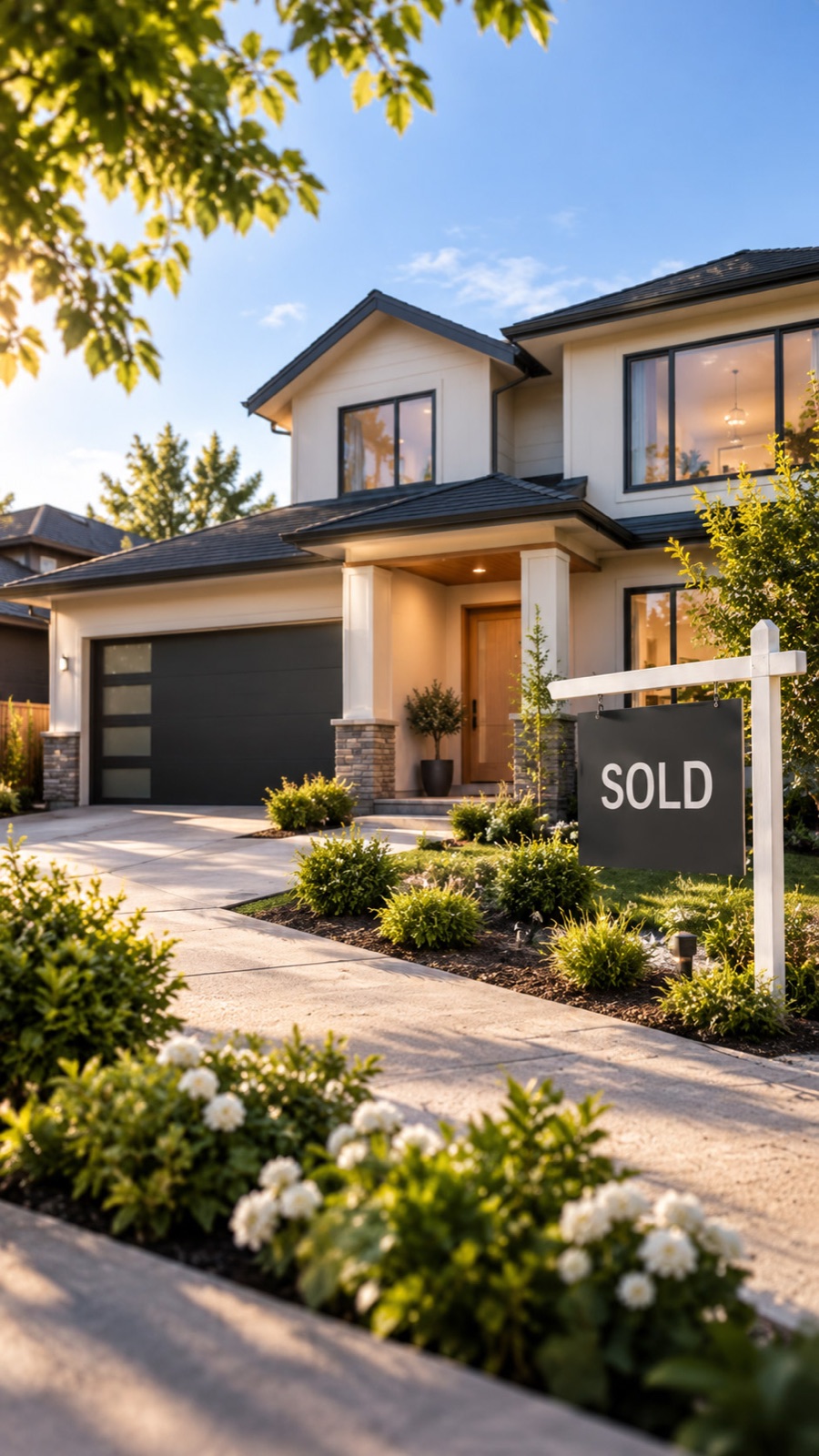
Keep every property consistent and organized, with photos that look like they came from the same pro every time.
Professional listing photos without the scheduling, the gear or the per-shoot invoice. Polished, never fake: every photo is checked against what you captured.
With ListingLensAn iPhone and the ListingLens app. No tripod, gimbal, lights or editing software.
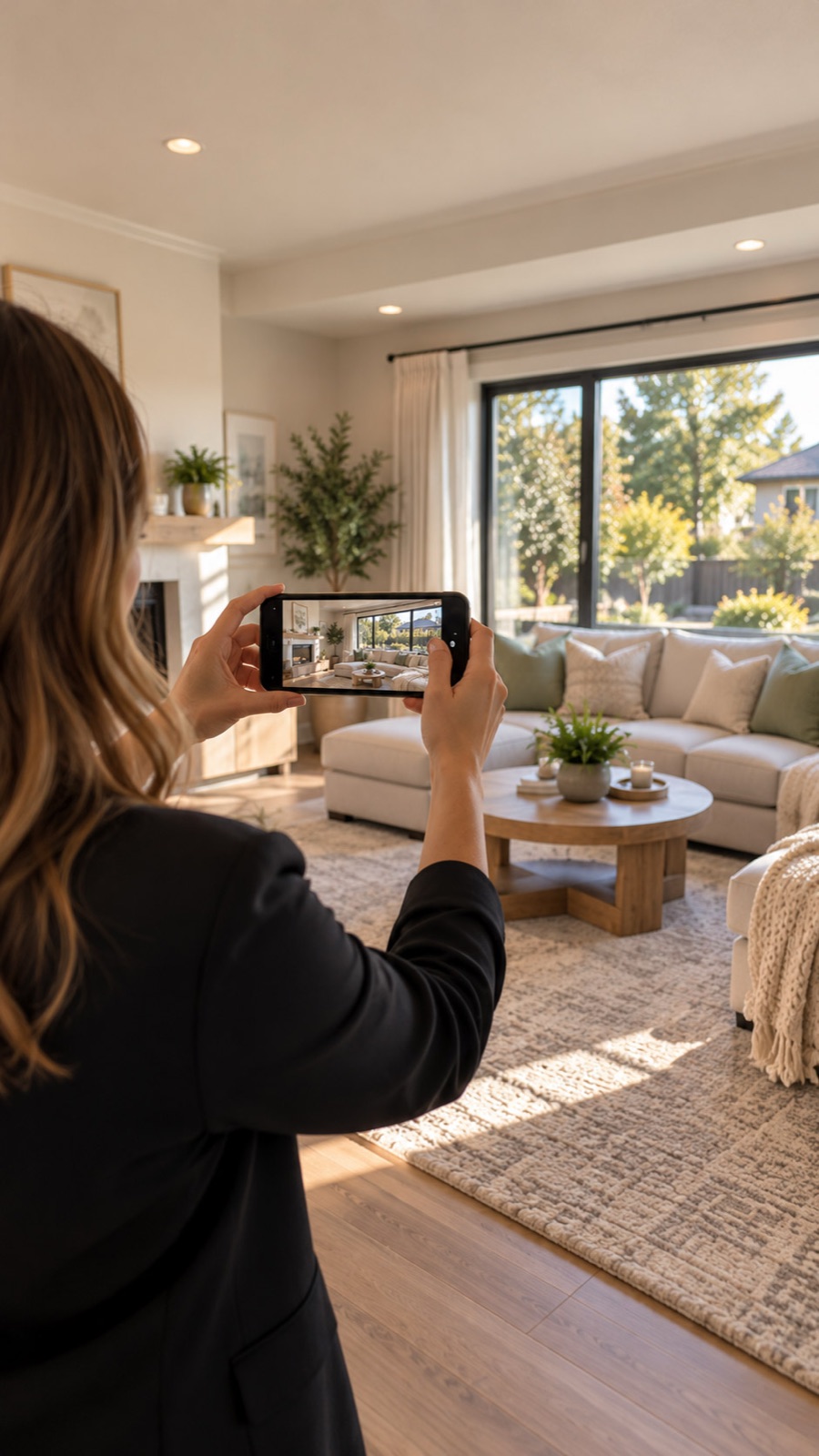
Open a property, press record and walk each room at an easy pace, inside and out. ListingLens chooses strong angles from the whole walk. When you want a specific shot, hold the phone still until the frame snaps shut, and that exact angle is guaranteed in your gallery.
No. ListingLens straightens, balances light and clears everyday clutter, and it never adds, removes or resizes anything that belongs to the home. Every photo is checked against what you captured, and anything that needs a second look is flagged for your approval.
You can leave the app as soon as you finish walking. ListingLens keeps working in the background and sends a notification the moment your gallery is ready.
Yes. Walk the room again and add it to the same property. It does not use another listing.
Yes, room by room. Staged photos are always labelled as virtually staged so your listing stays compliant.
ListingLens launches on the App Store this December. Early access opens before then, so request an invite and we will email you.
ListingLens arrives on the App Store this December. Early access opens before then.